
Recently, Runway’s Gen-3 AI tool was released to the public. This tool enables the creation of videos from user queries. With the appropriate methodology, it may even be possible to produce an entire movie using this technology. This article discusses the methods for accessing the tool and demonstrates its functionality.

What is Runway Gen-3
Gen-3, an AI tool from Runway, is engineered for video creation. It stands out from its predecessor with enhanced accuracy, advanced camera controls, and the capability to produce a range of emotions. Additionally, it offers users a variety of design styles, ranging from cheerful to somber moods. Queries can be input using text, images, or even other videos. For optimal video quality, it is recommended that descriptions be highly detailed.

Gen-3 is frequently compared to Sora. Currently, it is challenging to determine which AI tool is superior. The Runway project’s creations exhibit more realistic human emotions, while Sora more effectively renders cars and other moving objects.
How to use the Runway Gen-3 AI tools
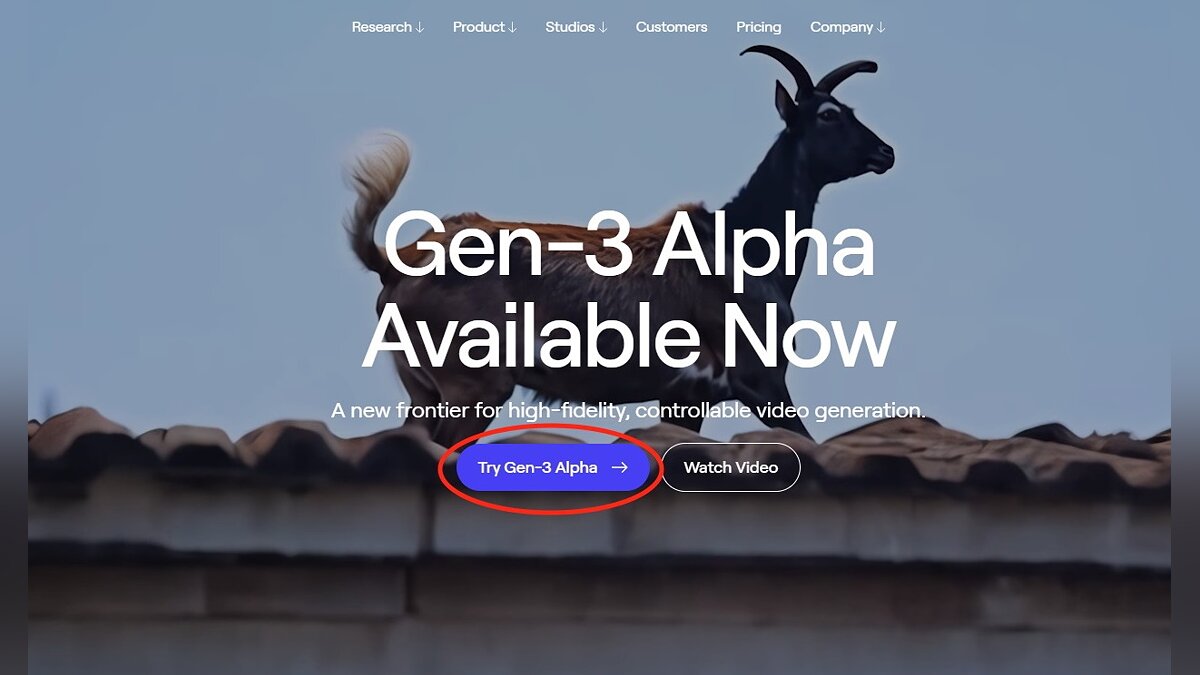
- Go to the official Runway website.
- Select the “Try Gen-3 Alpha” option in the center of the screen.
- Enter your e-mail address to register. If you want, you can specify a Google or Apple account.
- Pay a monthly or annual subscription to access Gen-3.
- Click Get Started.

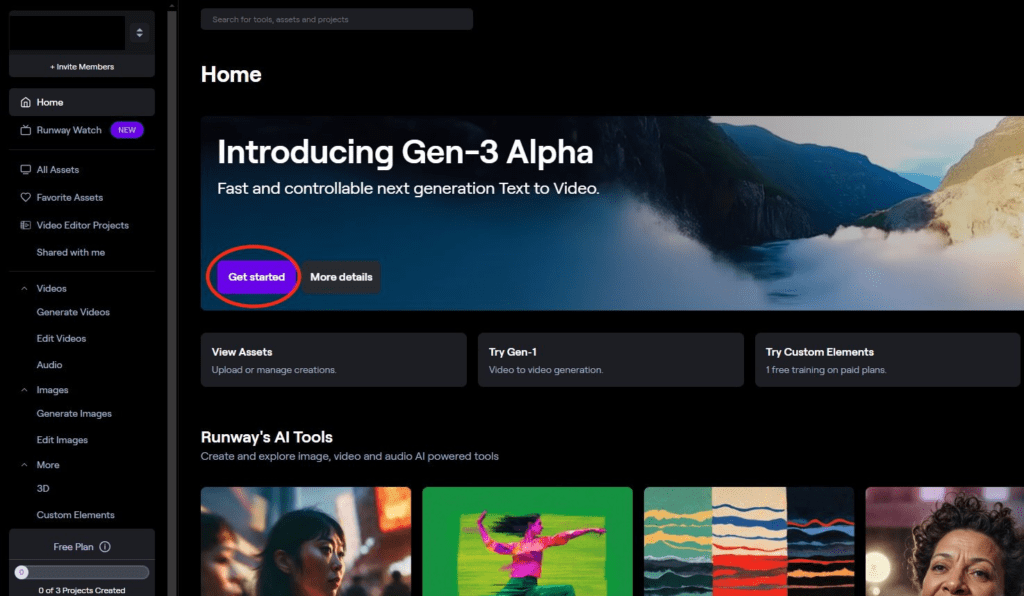
Currently, only the Gen-1 and Gen-2 versions of Runway’s neural network are available for free. A Gen-3 subscription is priced at $12, which allows you to generate up to 62 seconds of video each month.
Examples of Gen-3 AI operation

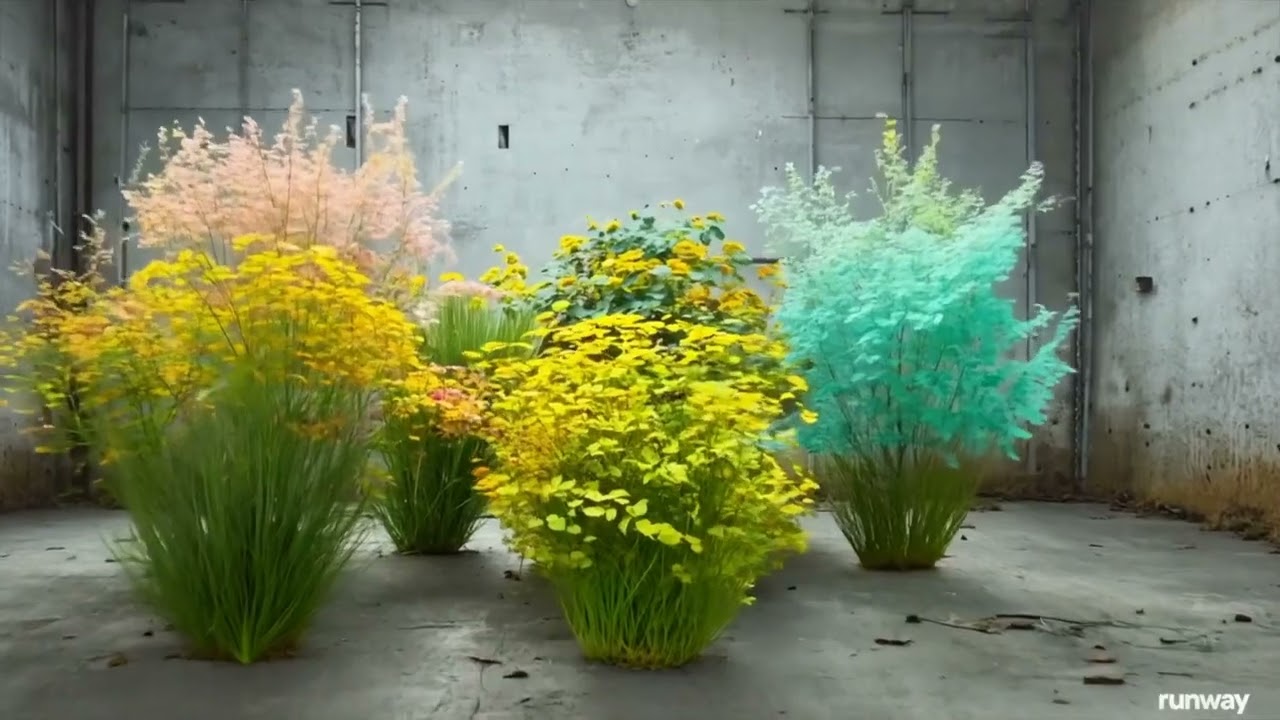

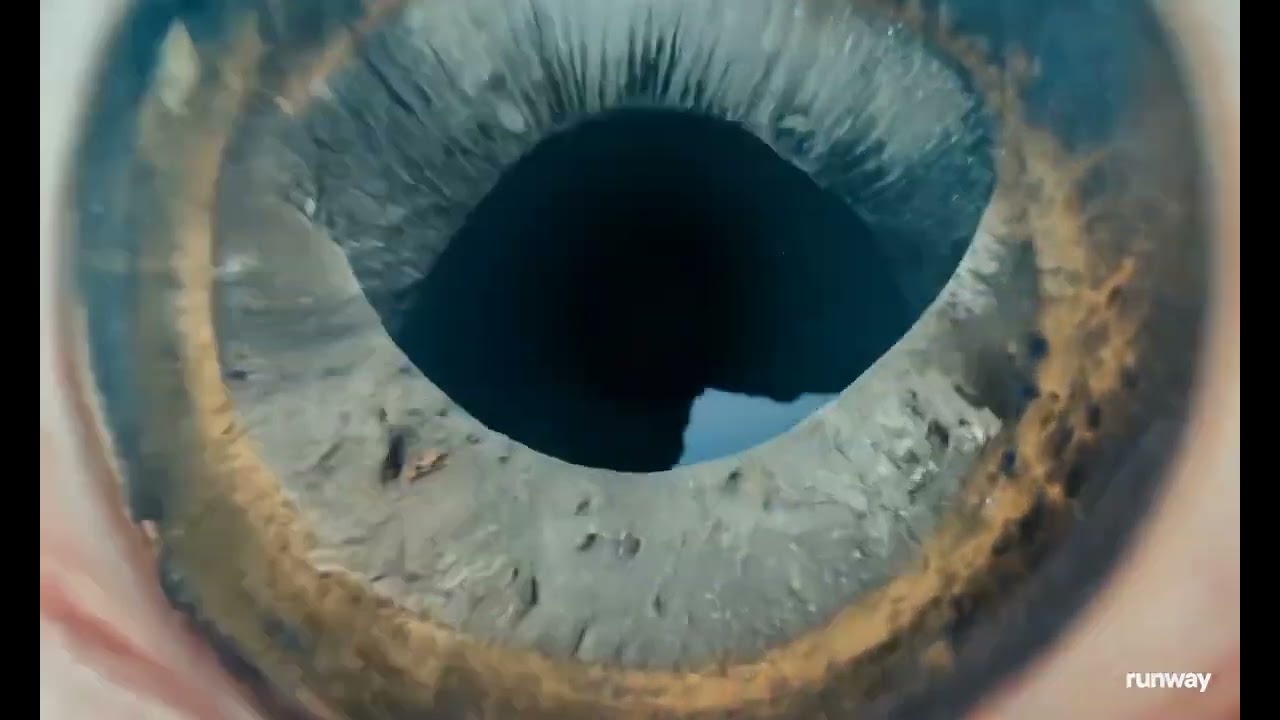

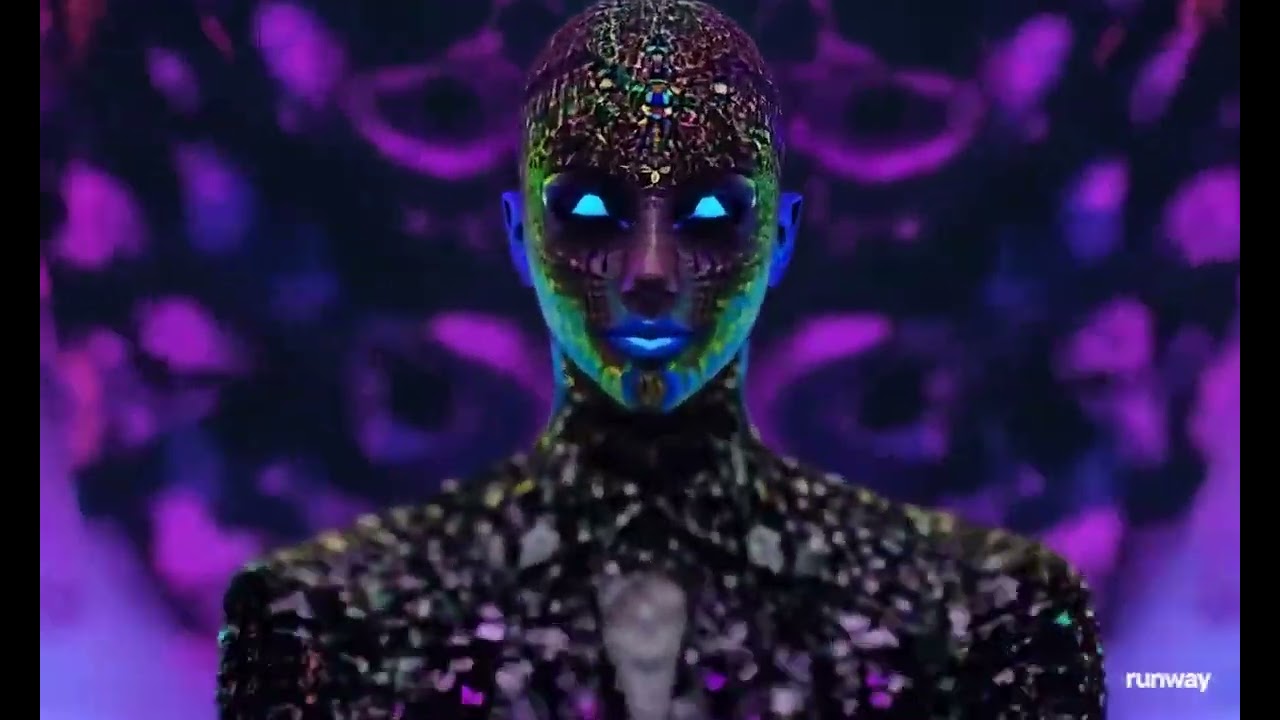
AI tools are utilized to create videos, and experimenting with Runway Gen-3 could be a significant advancement in video generation technology. Your thoughts and experiences are welcome in the comments!