Elevate Your Steam Profile | A Short Guide to Unforgettable Design
Share
11 Min Read
SHARE
Many of us spend countless hours in our digital worlds, forging friendships, conquering enemies, and building legacies. But how often do we consider our digital storefront, our Steam profile? For many, it’s just a collection of games and achievements. Yet, for a growing number of users, it’s a canvas for creative expression, a way to showcase a personal brand, and a subtle nod to the aesthetics we love.
Perhaps you’ve seen profiles that stand out, with their seamless animated backgrounds and custom-designed art showcases, leaving you wondering how they did it. Maybe you’ve felt a spark of inspiration but didn’t know where to start. This guide is for you. We’ll demystify the process and provide a clear roadmap to transform your profile from a simple default page into a truly unique, breathtaking work of art.
Steam Design: The Pro Toolkit
PRIORITY SIGNAL
The Essential Tool | Use Steam.design to crop your backgrounds perfectly.
The “Long” Art Trick | Use the Console Command (F12) to upload vertical artwork.
The 5MB Rule | Custom GIFs must be under 5MB to upload without errors.
The Shop | Spend your Steam Points on animated frames—they are the “glue” of a theme.
The Foundation of a Stunning Profile
Designing a profile that feels genuinely yours is a process that goes far beyond simply choosing a cool avatar. It’s about building a cohesive identity. The most impressive profiles aren’t just beautiful; they’re consistent.
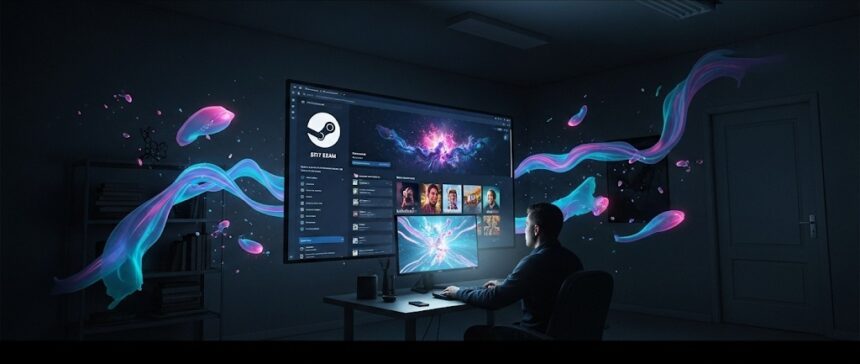
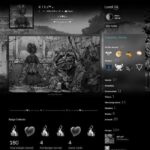
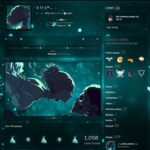
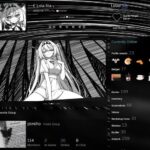
The design of a profile on Steam is not just an avatar and background, but a whole way to show your style and interests
Finding Your Creative Compass
Before you buy a single background or start a custom art project, you need to decide on a theme. This is arguably the most crucial step. A strong theme acts as your creative anchor, ensuring every element you add works in harmony.
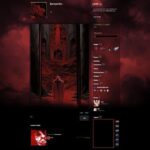
Your Favorite Games: The most straightforward and effective approach is to draw inspiration from the games you love. Are you a fan of the atmospheric, post-apocalyptic world of a classic RPG? Or perhaps the vibrant, neon-drenched streets of a cyberpunk hit? Using art and elements from a game you genuinely enjoy makes the profile feel authentic and personal.
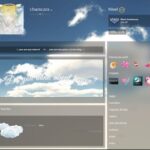
Color Palette: Whether you’re drawn to the moody aesthetic of dark, muted tones or the energetic chaos of bright, acid colors, your profile’s color scheme is its visual language. Using a consistent palette across all elements—your avatar, background, and showcases—creates a sense of visual continuity that is incredibly pleasing to the eye.
Atmosphere and Style: What mood are you trying to evoke? Do you want your profile to feel like a high-octane anime hero’s hideout, a serene and calming landscape, or a dark, gothic chamber? The atmosphere is what visitors will remember most, so choose a style that speaks to you.
Embracing Uniqueness: While using popular art is fine, seeking out rarer backgrounds, one-of-a-kind animations, or even creating your own custom art can make your profile stand out from the crowd. Sometimes, a minimalist approach with a single, elegant animation can be far more impactful than a cluttered, overly complex design.
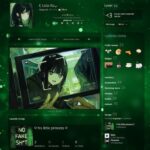
Consistency Is Key: The most common mistake is a clash of styles. A neon-drenched cyberpunk background paired with a black-and-white anime avatar can look jarring. Always check that your avatar, background, and showcase art complement each other. The whole is always greater than the sum of its parts.
Your Digital Toolkit | Essential Resources
You don’t have to be a graphic design expert to create a spectacular profile. The Steam community and a handful of powerful tools can help you plan and execute your vision with precision.
Steam.design: This community and design tool is a favorite for a reason. It lets you preview backgrounds, avatars, and mini-profile backgrounds together, acting as a one-stop shop for inspiration and planning. You can also use it to effortlessly download and resize artwork for your custom showcases.
Steam Profile Modifier (SPM): This popular browser extension acts as a virtual fitting room for your profile. It allows you to “try on” different avatars, backgrounds, and themes from the Steam store before you commit to a purchase. It’s an invaluable tool for visualizing your final design and ensuring every piece fits perfectly.
Backgrounds.Gallery: This website is a massive, searchable database of every available Steam profile background. You can filter by color, rarity, and price, making it easy to find the perfect backdrop for your theme.
Steam Card Exchange: A powerhouse resource for card collectors and profile designers alike. You can use it to view all the collectible items—emoticons, backgrounds, and badges—for any game, helping you to plan your collection and find assets that match your chosen theme.
Emoticon and Symbol Libraries: The Steam community has compiled extensive guides of emoticons and symbols that can be used to add detail and personality to your profile’s information showcase, such as your bio and custom boxes.
Mastering the Art Showcase
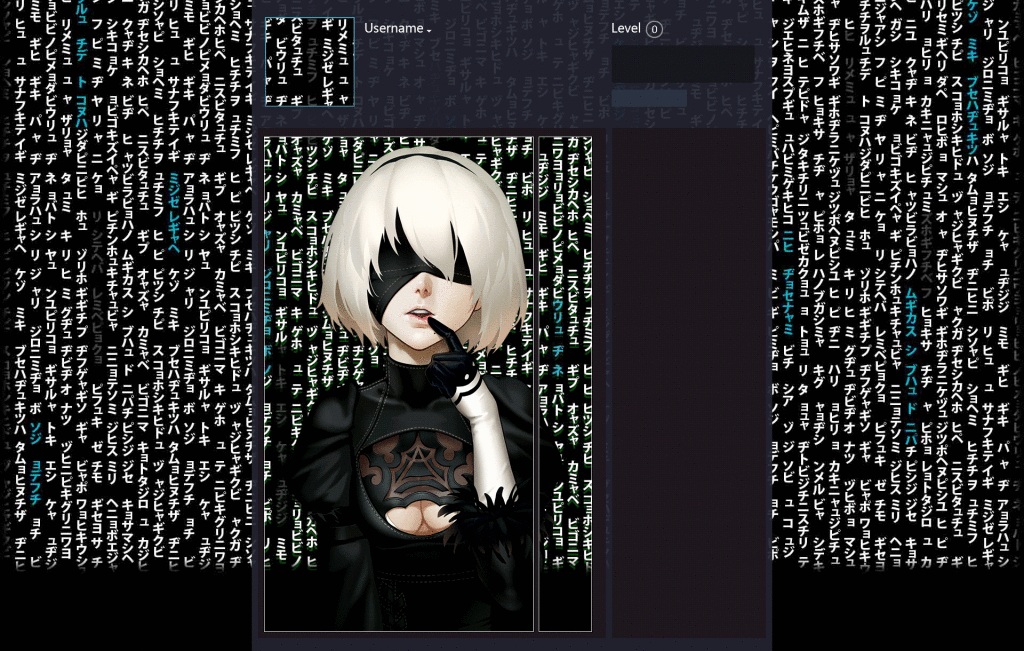
The art showcase is where a profile truly comes alive. By uploading a single, large image or a series of images, you can create a stunning visual display that fills the space below your profile summary. The key is to exploit a little-known trick to upload oversized art.
The Classic Vertical Showcase
The Secret “Long Art” Command To get those tall, beautiful art columns you see on pro profiles, Steam usually tries to crop them. To bypass this, follow these steps:
Open your browser (Chrome or Edge) and go to the “Upload Illustration” page.
Right-click anywhere and hit Inspect, then click the Console tab.
Note: This doesn’t change your image; it just tells Steam to stop limiting the height. Now, when you hit save, your art will stay long and glorious.
The Wide Horizontal Showcase
For a more panoramic, cinematic feel, the horizontal showcase is a fantastic option. The process is similar to the vertical one, but with a different console command to adjust the dimensions.
Preparation: Prepare your artwork, ensuring it’s wide enough for a horizontal showcase.
Access the Uploader: Follow the same steps as above, going to “Illustrations” and selecting “Upload an Illustration.”
Bypass Size Limits: Open your browser’s console and enter this command | $J('[name=consumer_app_id]').val(480); $J('[name=file_type]').val(0); $J('[name=visibility]').val(0);
Upload and Assemble: Fill out the details, upload your file, and set the visibility. After the upload is complete, you can add it to your profile’s “Artwork Showcase” to display it beautifully.
The Power of Animated Backgrounds and Avatars
One of the most dynamic ways to upgrade your profile is with animated elements. These are available in the Steam Points Shop, which you can access directly from your profile page. Steam Points are a currency earned from purchases on the Steam store.
Animated Avatars & Frames: You can purchase animated avatars and frames to make your profile picture pop.
Animated Profile Backgrounds: These are stunning, full-screen animated backgrounds that add a layer of motion and atmosphere to your entire profile.
Mini Profile Backgrounds: A subtle but impactful element, these are animated backgrounds for your hover-over mini profile.
By saving up Steam Points from your regular gaming purchases, you can acquire these items without spending any extra money.
Beyond the Basics | Advanced Customization
For those who want to take their profile design to the next level, creating your own custom, animated art is the ultimate expression of creativity.
The Right Tools: The process requires a basic understanding of software like Adobe Photoshop for image editing and Adobe After Effects for animation.
Technical Requirements: The key to a successful upload is knowing your limits. Custom animations must be saved as a GIF file and should be no larger than 5 MB. There are many online tutorials and guides that walk you through the process of creating and saving high-quality, lightweight GIFs.
Creating a “Window” Effect: A popular technique is to create a background element that mimics a window into a custom animated art piece. This can be done using a website like Steam.design to automatically generate the necessary image files and dimensions.
Final Word
Creating a beautiful Steam profile is an incredibly rewarding process. It’s a journey of self-expression that turns a simple digital page into a personalized gallery. From choosing a theme that resonates with you to mastering the art showcase and leveraging the power of custom animations, every step is a chance to elevate your online identity. Your profile is a reflection of who you are as a gamer and a creative spirit. So go ahead, start designing.
More from Aeon Dogma:
PRIORITY SIGNAL
Stellar Blade | [Why Brazil and Thailand are Winning the Data War]