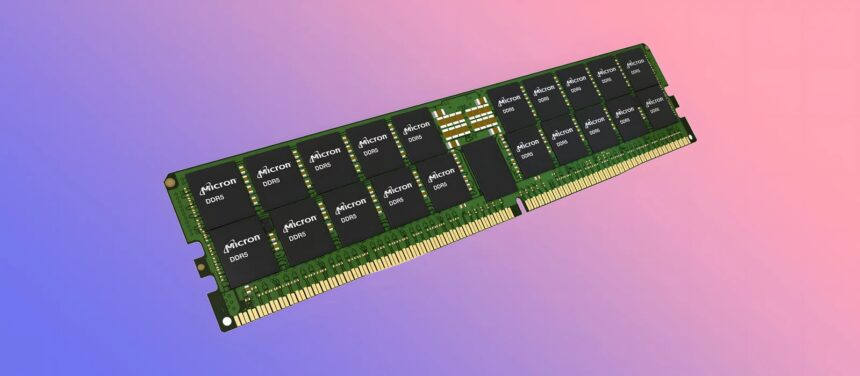
In today’s fast-paced technological landscape, selecting the right RAM for a system is crucial. With manufacturers releasing new models annually, featuring enhanced capabilities, the decision-making process can become complex. This guide will cover all the critical factors to consider when selecting RAM in 2024.
Physical Form Factor
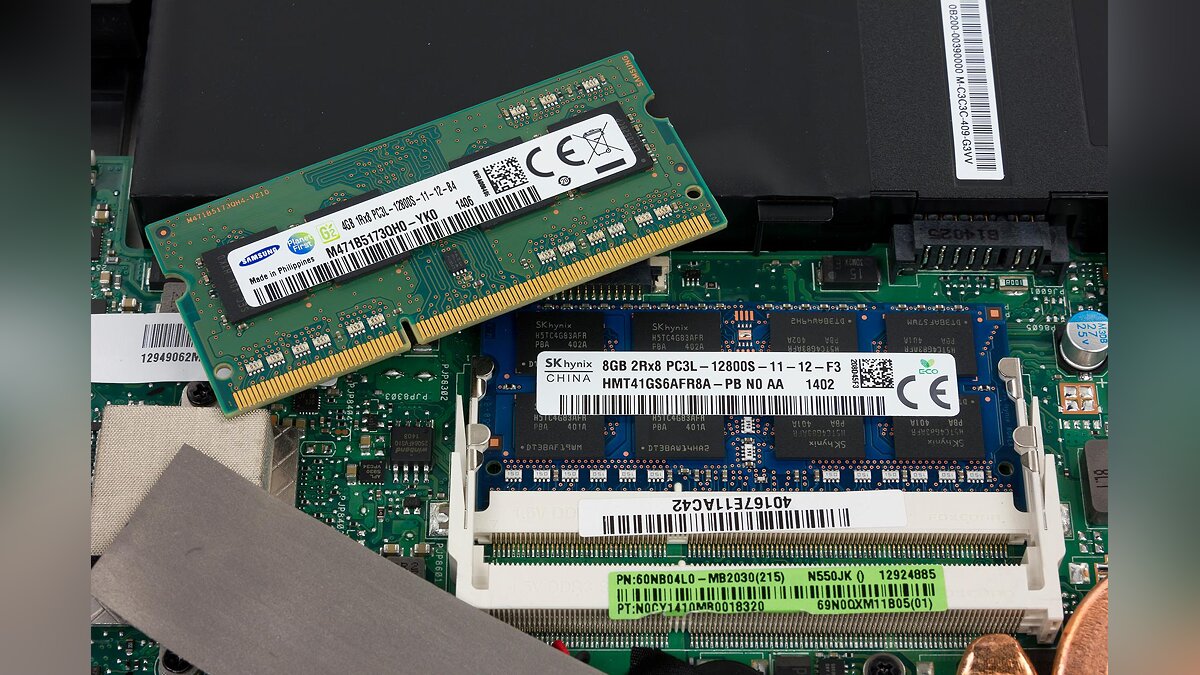
The RAM in desktop computers differs from that in laptops. RAM modules are known as DIMMs, an acronym for Dual Inline Memory Module. The market offers several varieties of DIMMs:
- UDIMM is the most common type of PC RAM module. The U symbol indicates that the module is unbuffered and/or unregistered. If the RAM is listed as a DIMM, then it is most likely a UDIMM.
- SO-DIMM is the second most common type of RAM used in laptops. SO stands for “small loop”, which means it is a DIMM but smaller. The SO-DIMM can also be unbuffered, as described above, and must match the RAM required for the laptop.
- MicroDIMM is essentially a smaller version of SO-DIMMs. These types of RAM modules are less common than UDIMMs and SO-DIMMs, but can be used in some laptops or other compact computing devices.
Memory Type & Standard
The specific type of memory defines the fundamental technological attributes of RAM modules and their compatibility with different computer components. The most prevalent types of RAM include DDR (Double Data Rate) and its successive generations | DDR2, DDR3, DDR4, and DDR5.
- DDR2: The next generation of DDR memory that offered even higher bandwidth and improved electrical performance compared to DDR. DDR2 modules had higher clock speeds and lower power consumption.
- DDR3: A step forward in the evolution of RAM that offers even more performance and power efficiency. DDR3 modules had even higher clock speeds and lower voltages, resulting in improved power consumption and lower heat generation.
- DDR4: A standard created to meet the growing demands for performance and energy efficiency. DDR4 offered higher operating frequencies and lower power consumption compared to DDR3. It has also introduced new technologies, such as memory banks with increased capacity and support for data buffering.
- DDR5: The latest RAM standard designed to meet the growing performance and bandwidth requirements of today’s systems. DDR5 offers significantly increased frequencies and capacities to improve overall system performance and efficiency.
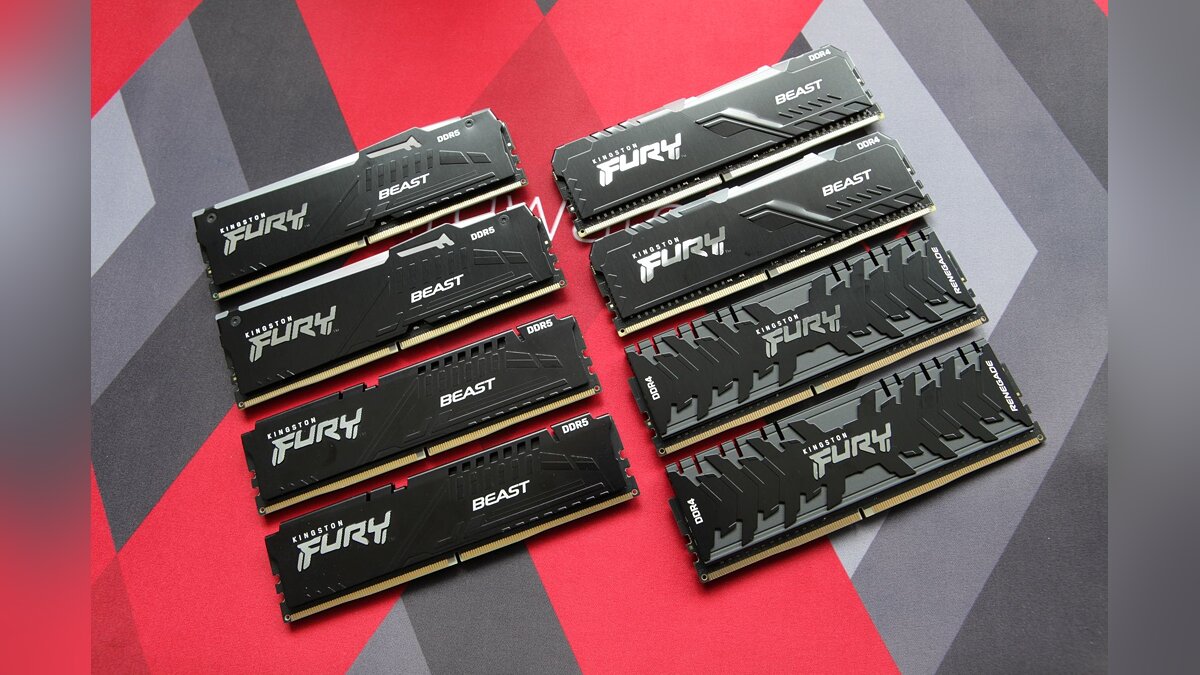
When selecting RAM for your gaming PC, consider DDR4 and DDR5 types for optimal performance. Ensure that the memory you choose is compatible with your motherboard and CPU, and meets your performance requirements and budget constraints.
Frequency and timings
There are two main factors that make RAM considered fast: frequency and timings.
RAM Frequency
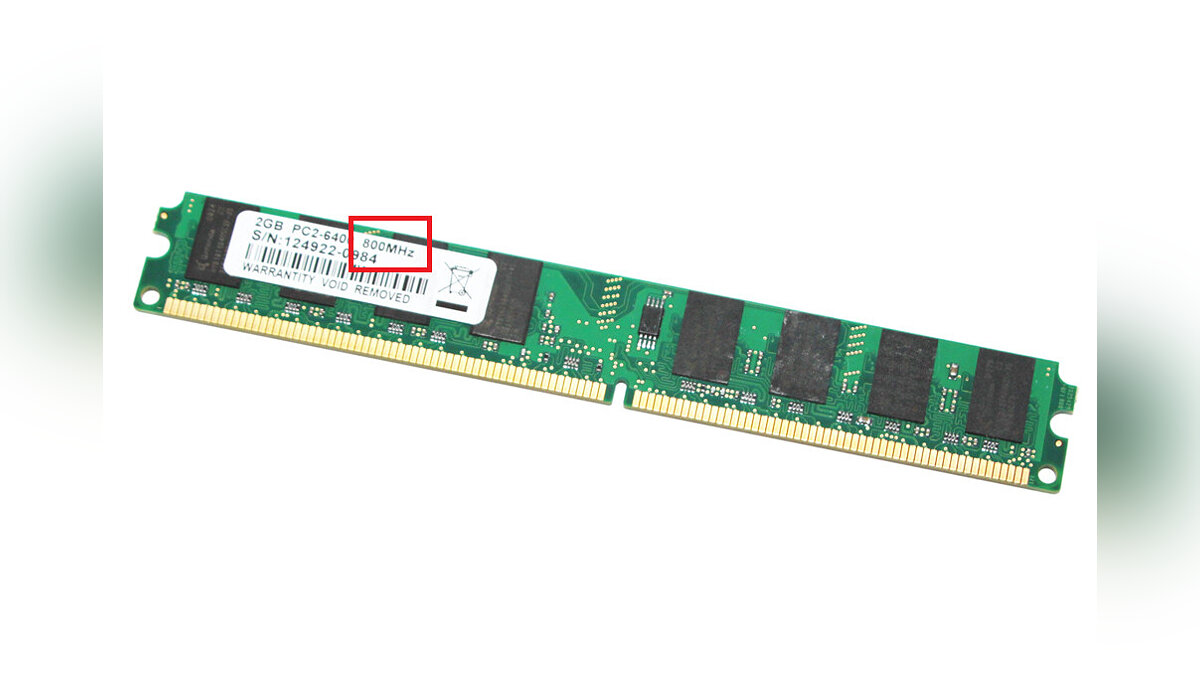
The first is the frequency of RAM, which is often referred to as speed. When browsing through RAM products, you may find that they are listed as DDR4-3200 or DDR4 2666MHz. These four-digit numbers are the frequency of RAM.
Memory continuously undergoes cycles of reading and writing data, and the frequency indicates the number of cycles per second. DDR4-3200 memory has a frequency of 3200 MHz, equating to around 3.2 billion cycles per second.
Thus, a higher frequency generally means better performance, but it’s important to note that not all CPUs and motherboards support high frequencies effectively. Therefore, it’s necessary to consider the compatibility of computer components with each other. Also, be aware that the cost of high-frequency RAM can escalate rapidly.
RAM Timings
Then there are the timings, also known as CAS latency, which is a measurement of the latency between your RAM modules receiving a command from the CPU and RAM actually executing that command.
The CAS latency is usually specified as a series of numbers, such as 18-22-22-42, which actually refers to a series of time values that go beyond just the CAS delay. Typically, the order of synchronization is as follows:
- CAS Latency | The delay between the row address and the column address.
- The time it takes to pre-charge the line.
- The time the row is active.
Basically, the lower the number, the better.
Memory
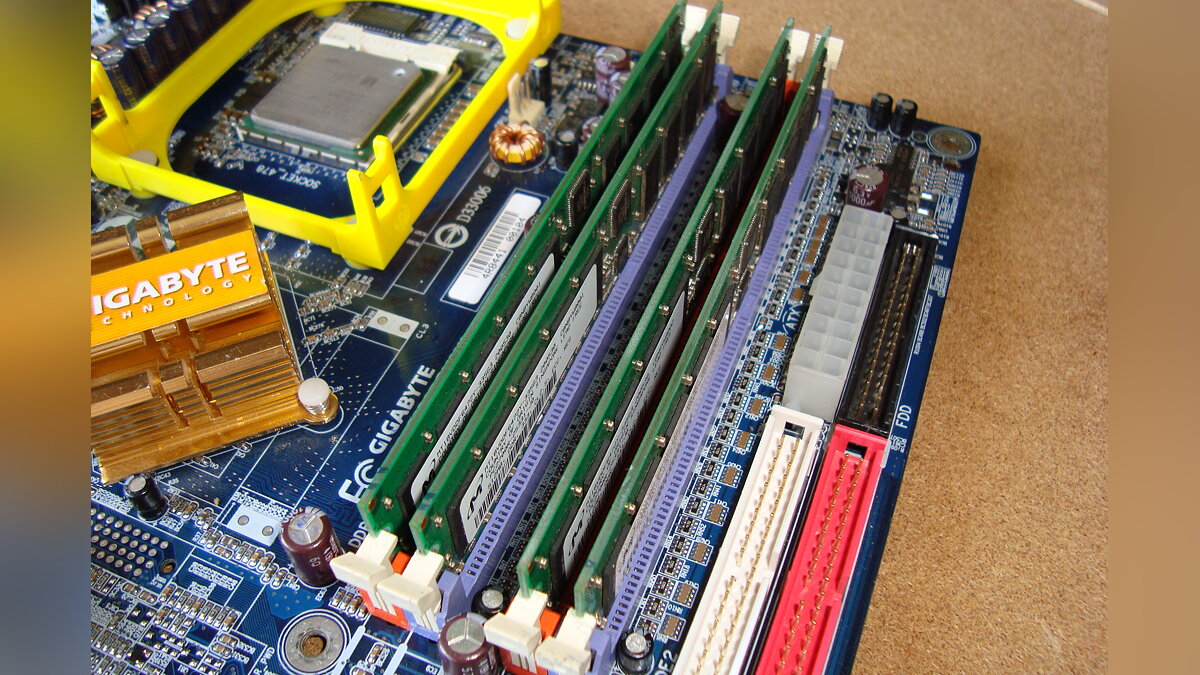
Several factors influence the maximum amount of RAM available on a computer. It’s crucial to consider the number of slots on the motherboard, which typically range from two to four, though server motherboards may have more.
Additionally, the motherboard chipsets and the memory generations have their own maximum capacities. For instance, DDR3 memory chips have a maximum capacity of 8GB each, leading to a theoretical maximum of 16GB per module.
DDR4 allows for a capacity of 16GB per chip, which allows you to have up to 128GB per server memory card, although 32GB is actually the maximum capacity per memory card you’ll find for consumer RAM.
DDR5 continues this trend by doubling the maximum capacity of a single memory card to 246GB for server boards or 128GB for regular consumers.
In general, anything above 32 GB per die is considered server modules.
System Compatibility
When selecting RAM, ensuring compatibility with your system is crucial for optimal performance. Key considerations include confirming the memory type, amount, and maximum clock speed supported by your motherboard.
Additionally, the configuration of memory slots is important, as some motherboards may have specific requirements for certain slots to achieve the best performance.
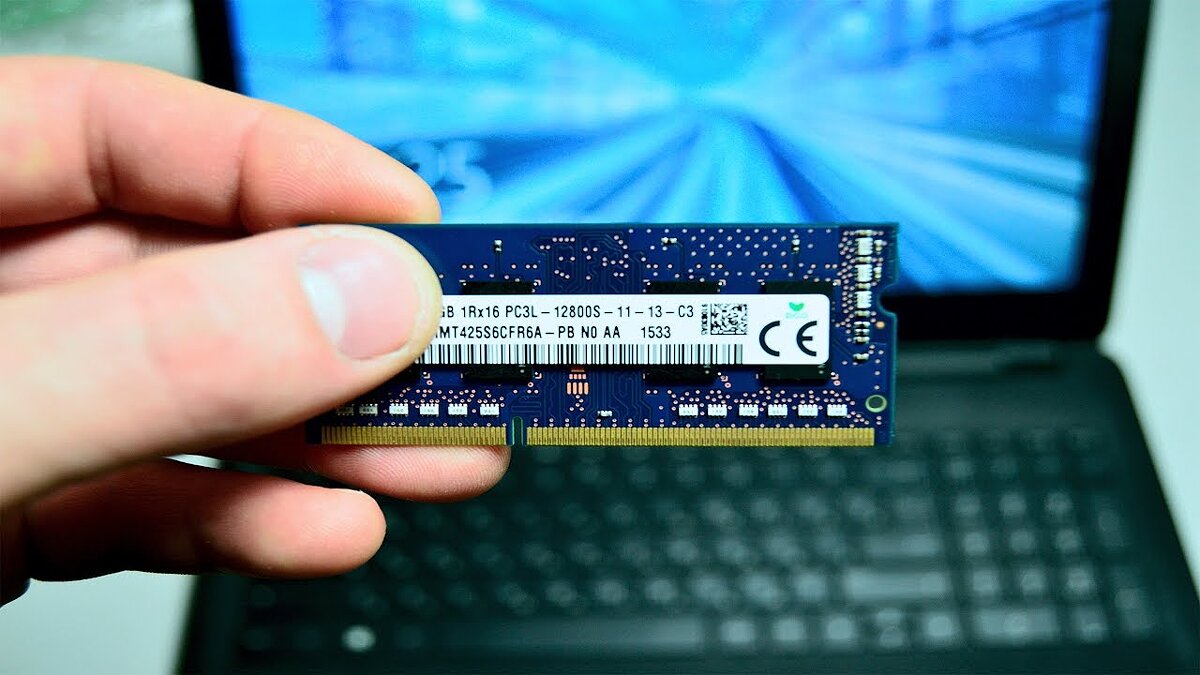
Furthermore, it’s crucial to verify the compatibility of RAM with your system’s CPU, as different processors may have restrictions on the types and speeds of memory they support. Concurrently, it’s advisable to consider the generations of processors supported, since newer models might necessitate more advanced RAM standards.
Reviews & Ratings
Examining both user reviews and professional evaluations of RAM can offer a more balanced perspective on the quality and performance of different models. User reviews can shed light on the practical aspects of memory usage, highlighting both pros and cons.
Consider the product’s overall rating, as well as user insights on its performance, compatibility, and dependability. Additionally, professional reviews and expert opinions can provide a detailed examination of the RAM’s specifications and its operational effectiveness.
Support for additional features
Different RAM may have additional functions. Let’s take a look at some of them:
- Overclocking Support: If you’re interested in improving your system’s performance through overclocking, look no further than RAM that offers overclocking support. Some RAM modules have unlocked settings, allowing you to increase clock speeds or reduce latency for extra performance. However, it should be remembered that overclocking can increase heat generation and power consumption, so it is necessary to ensure that the system is sufficiently cooled and stable.
- RGB Lighting Technologies: If you’re interested in creating an aesthetically pleasing computer or gaming system, look no further than RGB-enabled RAM. Many manufacturers offer modules with customizable RGB lighting, which allows you to customize the lighting to suit your preferences or your PC’s color scheme.
- Low-profile design: If you have limited space in your computer case, or if you’re planning to install a high-end CPU cooler, consider low-profile RAM. Such modules usually have more compact heatsinks or no heatsinks at all, allowing for better compatibility with other components in your system.
- Other Features and Technologies: There are other additional features that may be important when choosing RAM, such as support for power-saving technologies (such as Intel XMP or AMD Memory Profile), surge protection, and quality materials and construction that ensure the longevity and reliability of memory.
- Error-correcting memory (ECC): A type of computer memory that automatically recognizes and corrects spontaneous changes (errors) in memory bits. It’s used in most computers, especially servers, where uptime is important. Memory in error correction mode requires support from a RAM controller, which can be part of a chipset or built into a system-on-chip along with compute cores.
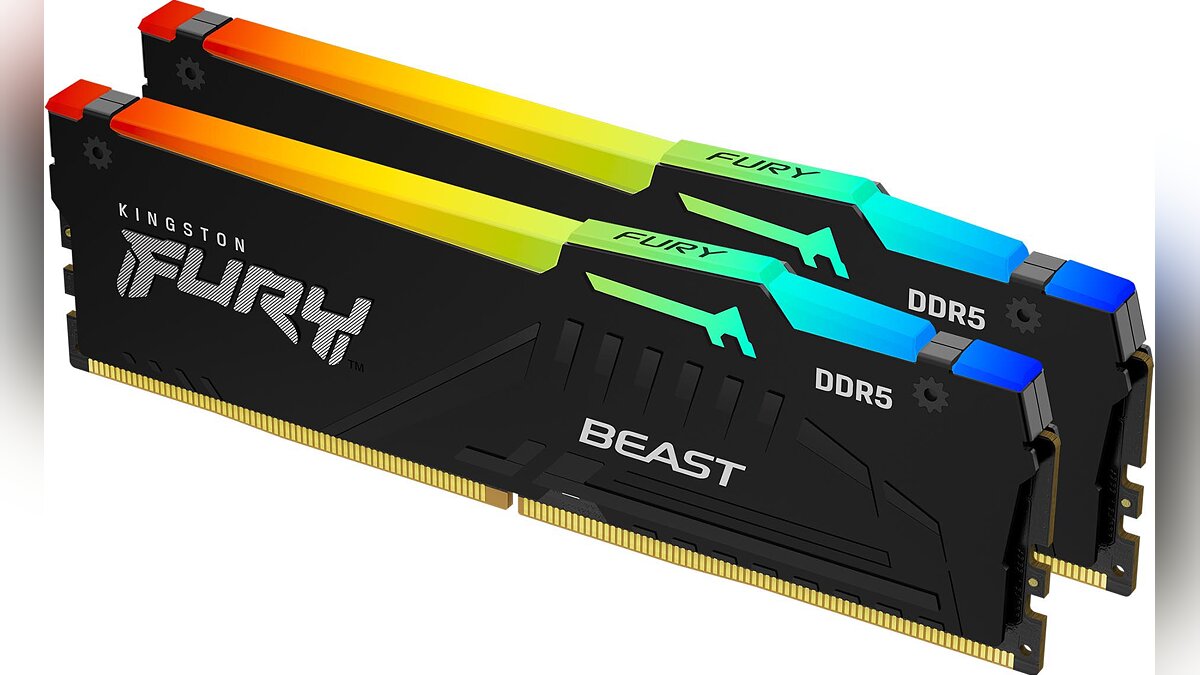
When choosing RAM, pay attention to the features that best suit your needs and preferences.
Power Consumption and Heat Dissipation
When selecting RAM, consider its power consumption. Modules that consume less power can decrease the overall power usage of your system, which is crucial for mobile devices or systems with a constrained power supply. Opting for energy-efficient memory can also lessen heat output and enhance system dependability.
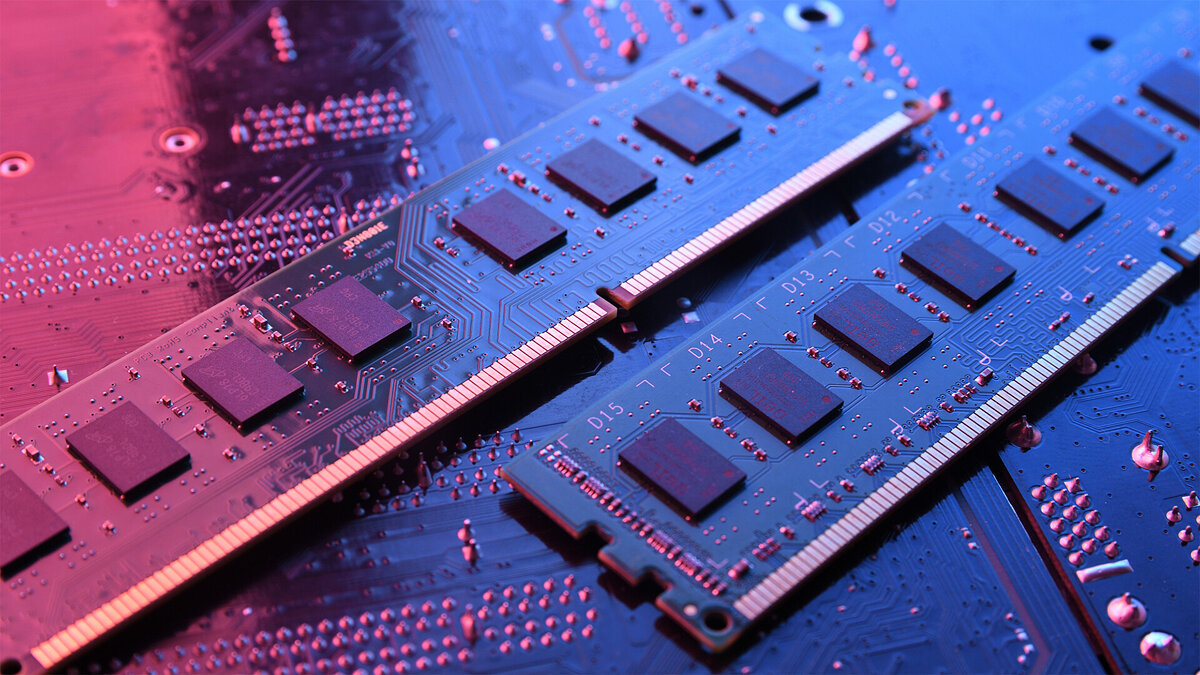
Many RAM modules come equipped with built-in heatsinks or other thermal solutions to mitigate heat production, ensuring stable performance even under substantial load. This is particularly crucial in compute-intensive systems or during overclocking, which can lead to increased heat output. Taking into account the thermal performance of your memory modules is essential to prevent overheating and maintain a reliable system operation.
Which RAM to choose
When choosing RAM, it is important to consider the factors and specific purposes of the application. Let’s take a look at some of them:
- Team Group T-Create Expert 6000MHz DDR5 | Cost-effective DDR5 that can be overclocked to premium kits. Suitable for mid-range gaming computers, even without the need for manual configuration;
- G. Skill Ripjaws V 3200MHz DDR4: memory modules based on Samsung’s select B-Die chips, known for their excellent overclocking potential among other DDR4s;
- Patriot Viper Steel DDR4: A great offer for a mid-range price for those who plan to install memory in a computer and use it without additional settings;
- Kingston KVR26N19S8K2/16 DDR4: One of the most affordable DDR4 RAM options from a trusted manufacturer. Ideal for office tasks, working with media content and small games;
- Kingston Fury Impact SO-DIMM 3200MHz DDR4: Superior 32GB Gaming Laptop Kit;
- Adata Premier 3200MHz DDR4 SO-DIMM: The cheapest 16GB laptop RAM kit that delivers good performance thanks to its high frequency of 3200MHz.